Views: 239 Author: U-Need Publish Time: 2026-11-25 Origin: Site
Content Menu
● What Is the Difference Between CNC and Manual Machining?
>> CNC machining: Programmed motion with a controlled setup
>> Manual machining: Direct control by the machinist
● CNC Machining vs Manual Machining at a Glance
● CNC vs Manual Machining Tolerances: Specify What Must Fit
>> Use the assembly to set the inspection priorities
● CNC vs Manual Machining Cost: Calculate the Break-Even Quantity
>> An illustrative quote comparison
● When to Choose CNC, Manual, or a Hybrid Machining Route
>> Choose CNC for complex prototypes and interchangeable production parts
>> Choose manual machining for simple repairs and fit-to-part work
>> Combine methods when only one operation needs special handling
● What to Include in a Precision Machining RFQ
● Request a Manufacturing Review from U-Need
>> Is CNC machining always more accurate than manual machining?
>> Is CNC machining worth it for a single prototype?
>> How many parts make CNC machining cheaper?
>> Can manual machining produce interchangeable parts?
>> Do I need both a 3D model and a 2D drawing for a CNC quote?
>> Does using more CNC axes guarantee tighter tolerances?
When comparing CNC machining vs manual machining, start with the part, not the machine. CNC machining is usually the better starting point for complex geometry, interchangeable parts, and repeat orders. Manual machining can be the more practical choice for a simple one-off, a repair, or a feature that must be fitted to an existing assembly. The deciding question is which process can deliver parts that fit, pass inspection, and arrive on time at the lowest total cost.
For sourcing teams, the distinction matters most when a prototype becomes a purchase order. Making one part fit on the bench is a different job from delivering 200 parts that must fit without hand adjustment.
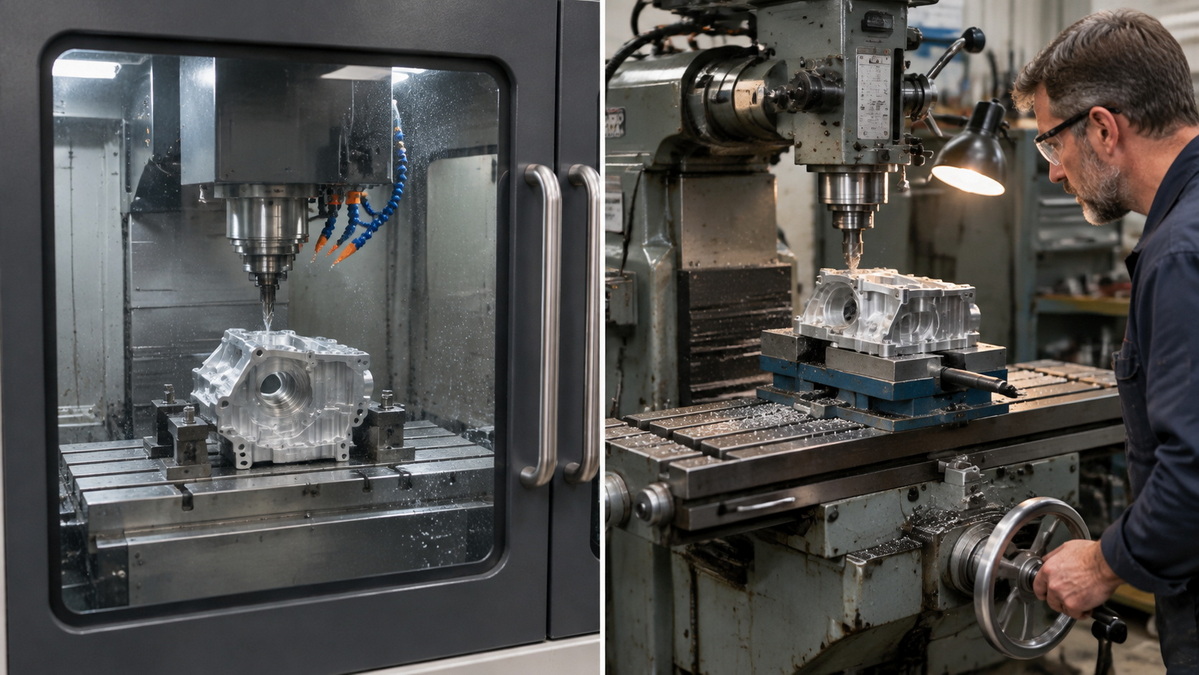
CNC stands for computer numerical control. A CNC mill or lathe follows programmed instructions that control movements and operations such as cutting, drilling, and turning. For many custom parts, the workflow starts with a computer-aided design (CAD) model. Computer-aided manufacturing (CAM) software helps plan toolpaths and generate instructions for the machine. A simple operation may instead be programmed at the control.
The program is only part of the process. A machinist still selects tooling, secures the workpiece, establishes its position, and verifies the first part. Once the setup is proven, the machine can repeat the same cutting sequence. That repeatability is particularly useful for parts with several related features or orders that will return over time.
On a manual mill or lathe, the machinist directly controls tool or workpiece movement, typically using handwheels or levers. A digital readout can display position without controlling the cut. Some manual machines also have power feeds, so "manual" does not mean every movement must be made by hand.
Direct control is useful when the job depends on inspecting and adjusting an existing part. For example, a machinist making a replacement spacer can measure the assembly, turn the spacer, check the fit, and adjust the thickness before handing it back.
| Decision factor | CNC machining | Manual machining |
|---|---|---|
| Part geometry | Strong candidate for contoured surfaces, coordinated features, and repeated multi-step operations | Often practical for straightforward turning, facing, drilling, and milling |
| Setup | May require programming, workholding, tool setup, and verification | May be quicker for a simple cut with readily available tooling and workholding |
| Tolerance | Repeatable motion helps control variation; results still depend on the setup, material, and inspection method | A skilled machinist can hold tight dimensions on suitable features; matching them across a batch may take more intervention |
| Order quantity | Works for complex one-offs, prototypes, and repeat production | Often competitive for simple one-offs, repairs, and some small batches |
| Cost drivers | Programming, fixturing, machine time, tooling, finishing, and inspection | Machinist time, setup, repeated measurements, finishing, and inspection |
| Design changes | Update and verify the program; changes may also affect fixtures or tooling | Straightforward adjustments can be made at the machine when the setup allows |
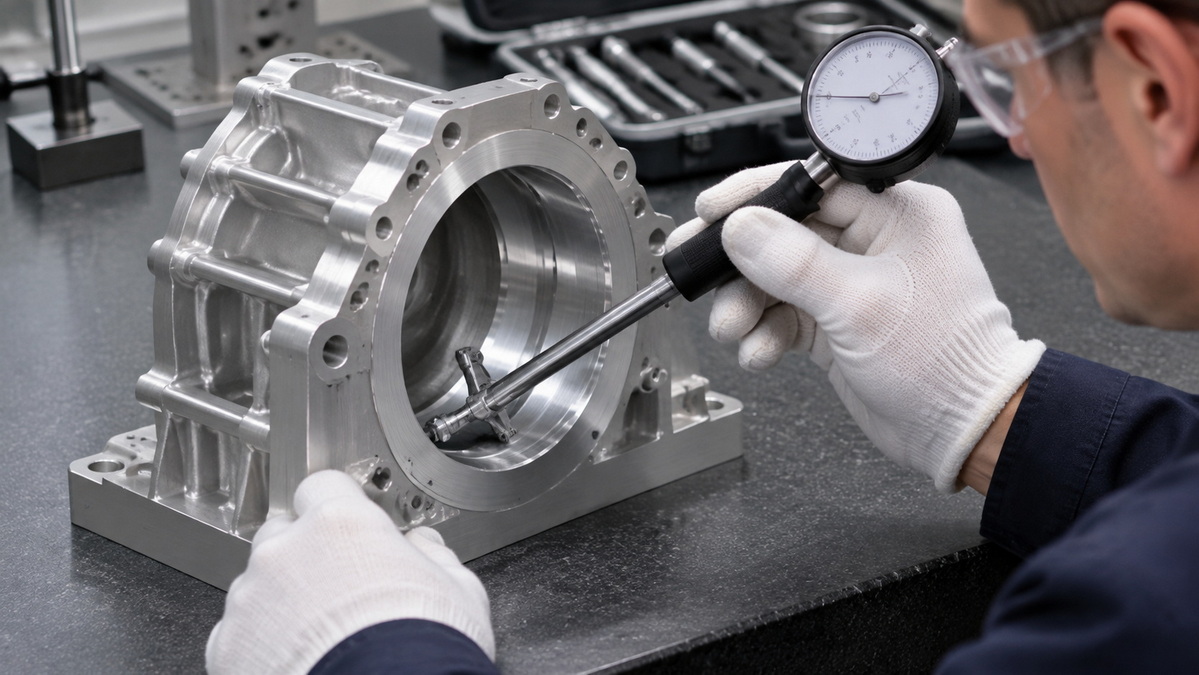
A tolerance is the permitted variation in a dimension or geometric feature. It is not a fixed attribute of CNC or manual machining. The same CNC shop may quote different tolerances for a short reamed hole, a long slender shaft, and a thin-walled housing. Tool access, clamping, part rigidity, and the measurement method all affect what the supplier can reliably deliver.
As a published example, Protolabs lists a general machining tolerance of ±0.005 in. (approximately ±0.13 mm) at its automated factory and describes tighter options for specific features, such as reamed holes. Those figures illustrate how one supplier differentiates general and feature-specific requirements. They are not universal capability limits or U-Need specifications.
Consider a housing with a bearing bore, a mounting face, and a cosmetic outside profile. The bore size controls the bearing fit. The bore's relationship to the mounting face may affect alignment. The outside profile may need only enough clearance to fit the enclosure. Giving all three features the same tight tolerance can add work without improving assembly performance.
A practical drawing and inspection review asks three questions:
1. Which dimensions or geometric relationships determine whether the part fits, seals, or moves correctly?
2. Which datums—the references used to locate or orient features—should production and inspection use?
3. Which features must be verified on the first part, and which need checking throughout the batch?
For a coated bore or plated shaft, also state whether acceptance applies before or after finishing. If a quote merely says "tight tolerances available," ask the supplier to confirm the specific feature, tolerance, and proposed measurement method. That answer tells you more than the machine type alone.
Compare both routes at the same drawing revision, material grade, finish, and inspection scope. Otherwise, the cheaper quote may simply omit work the other supplier included. For a first comparison, separate one-time setup costs from recurring per-part costs.
Suppose a buyer receives these hypothetical quotes for the same part:
| Cost item | Manual route | CNC route |
|---|---|---|
| One-time setup | $40 | $220 |
| Recurring cost per part | $28 | $10 |
| Total for 5 parts | $180 | $270 |
| Total for 10 parts | $320 | $320 |
| Total for 25 parts | $740 | $470 |
The CNC route costs $180 more to set up but saves $18 per part. Dividing $180 by $18 gives a break-even quantity of 10 parts. Below that quantity, the manual route costs less in this example; above it, CNC costs less. These figures are illustrations, not market benchmarks or U-Need rates.
Before committing, ask what happens on a reorder. Can the supplier reuse the program and fixture? Is setup charged again? Does inspection become more expensive if every part needs a report? For a repair, also consider the cost of keeping equipment out of service. A route with a higher machining price may still cost less overall if it restores operation sooner.
Imagine an aluminum sensor housing with a contoured pocket, an angled connector opening, and a hole pattern that must align with a mating bracket. Even for one prototype, a CNC route is worth quoting because geometry and feature relationships matter more than quantity. If the design moves into production, ask how the supplier plans to preserve those relationships across setups and repeat orders.
Consider a replacement sleeve for an older assembly with no reliable drawing. If the existing shaft can be measured and the sleeve needs only straightforward turning, a manual route may avoid unnecessary programming. If the same sleeve will become a stocked spare, create a controlled drawing from the approved design rather than relying on another round of trial fitting.
A hybrid route can make sense when repeatable features and individual fitting belong to different stages. For example, a shop might CNC-machine a set of fixture bodies and manually adjust a replaceable stop during assembly. Before approving that route, specify whether the stop is meant to stay with its original fixture or be interchangeable. That distinction determines whether individual fitting is acceptable.
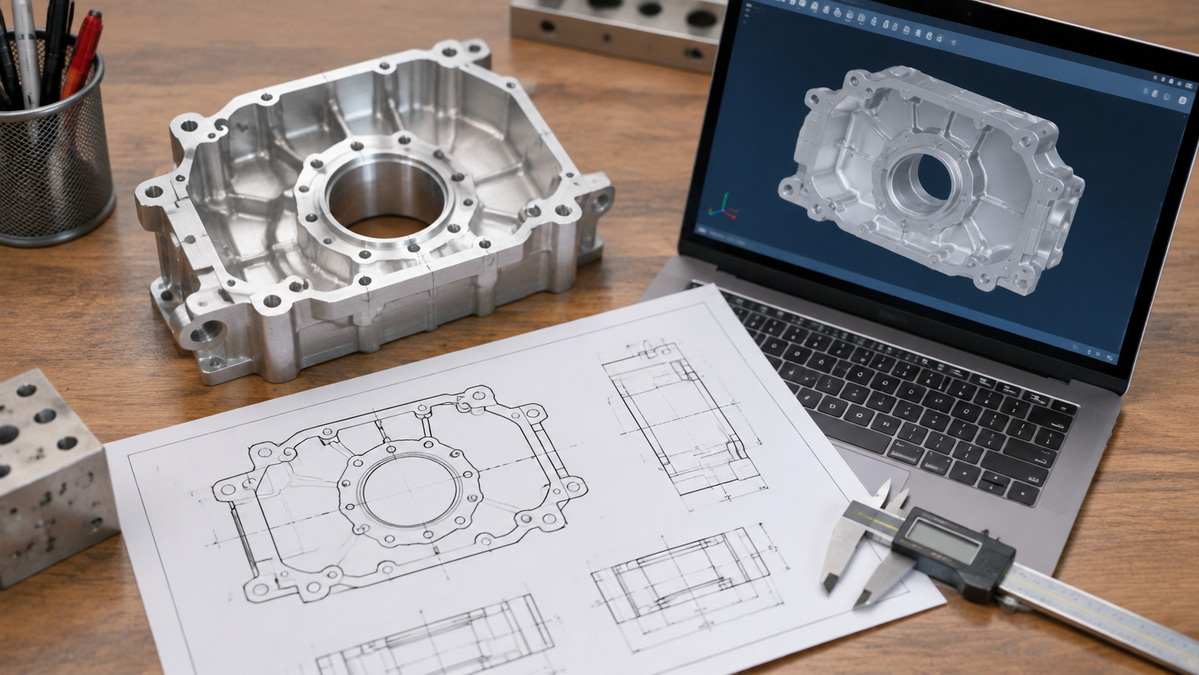
A request for quotation (RFQ) should give suppliers enough information to propose a manufacturing route and price the same scope. Include:
1. The latest files. Send a STEP model and a revision-controlled 2D drawing. Identify which document governs if the two disagree.
2. Material and finish requirements. State the grade, condition, coating, and any surfaces that must remain uncoated. Identify whether material certificates are required.
3. Order quantities and timing. List the prototype, pilot, and expected repeat quantities separately. Give the required delivery date rather than asking only for the fastest possible lead time.
4. Critical features and inspection deliverables. Flag mating dimensions, threads, sealing surfaces, and required datums. Specify whether you need a first-part dimensional report or records for each shipment.
5. Quote assumptions. Ask which costs cover setup, fixtures, finishing, and inspection. Invite the supplier to flag expensive features and propose alternatives without changing the design before approval.
For example, if a supplier flags a deep pocket with small internal corner radii, ask whether larger radii would allow a more suitable cutter and reduce machining time. Check the clearance of the mating component before accepting the change. The aim is to remove cost that does not improve function, not to relax requirements indiscriminately.
U-Need is a precision manufacturing partner in China for global brands, distributors, and manufacturers. Its services include custom precision parts machining, injection mold manufacturing, stamping dies, cold-forging dies, and sheet metal fabrication such as laser cutting, bending, and stamping.
Send U-Need your STEP file, 2D drawing, material specification, target quantity, and delivery date. Flag the features that determine fit or performance, and ask for a recommended manufacturing route and an itemized quote. If your assembly includes machined parts, formed sheet metal, or tooling, share the assembly drawing so the review can account for how those parts fit together.
No. A skilled machinist can make an accurate individual feature on a suitable manual machine. CNC's advantage is that it can repeat programmed movements consistently. Actual part accuracy still depends on tooling, workholding, material behavior, and measurement.
Yes, when the prototype has complex geometry, several features that must align, or a design that will likely move into repeat production. For a simple spacer, pin, or repair part, compare the total price and delivery time rather than assuming CNC is necessary.
There is no universal threshold. Request comparable quotes at your expected quantities, and separate setup charges from recurring costs. Check whether tooling, inspection, finishing, and reorder setup are included before comparing totals.
Yes, provided the process and inspection consistently meet the drawing requirements. For repeat batches, compare first-part results, checks during production, and the amount of individual fitting needed. A part that fits only the assembly it was made for is not interchangeable.
Not for every quote, but supplying both is useful when the part has critical tolerances, threads, finish requirements, or inspection notes. The model communicates geometry; the drawing records requirements that may not be apparent from geometry alone.
No. Extra axes can improve tool access and may reduce repositioning, but they do not guarantee that a feature meets its tolerance. Ask how the supplier will machine and inspect the specific relationship that matters, such as a bore's position relative to a mounting face.
1.TOPS Precision. [A Complete Overview of CNC Machining Vs Manual Machining]. Original article reviewed for its definitions, process comparison, and application examples.
2.Autodesk Fusion. [CNC Machining 101: A Comprehensive Guide]. CNC process fundamentals, CAD/CAM workflow, toolpaths, and machine configurations.
3.Autodesk. [CNC Programming]. Machine-control programming, manual data input, and CAM-generated instructions.
4.National Institute of Standards and Technology. [Dimensional Inspection Planning Based on Product Data Standards]. Technical background for translating design requirements into dimensional inspection plans.
5.Protolabs. [Understanding CNC Machining Tolerances]. Published supplier-specific examples for general tolerances and reamed holes.
6.Protolabs. [Understanding CNC Manufacturing Costs]. Cost factors covering raw material, machining time, workholding, setup, and inspection.


